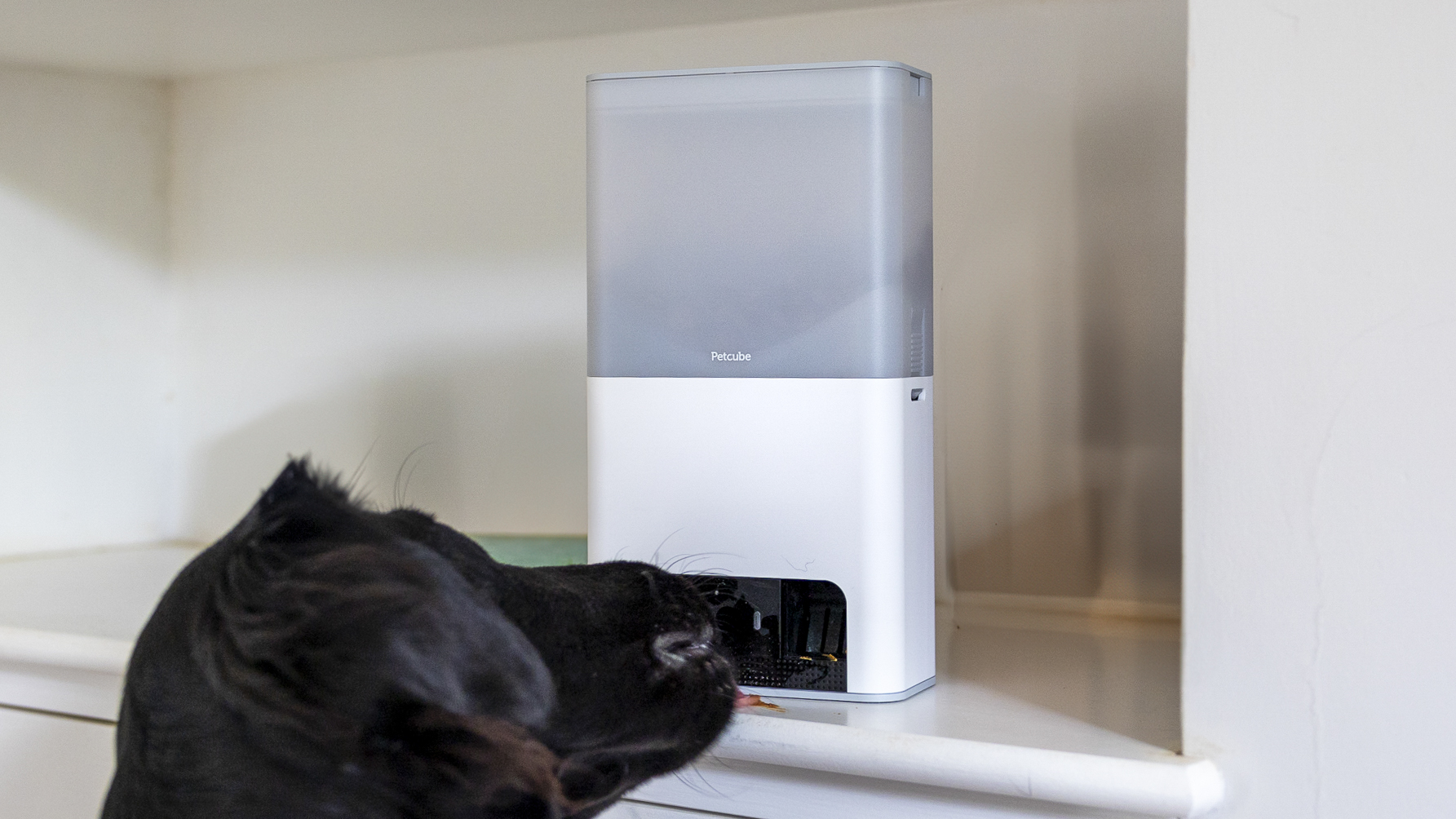

Have you ever wondered what your pet does when you’re not around? Using smart cameras for pet monitoring can give you a front-row seat to your furry friend’s daily adventures.
Imagine feeling connected to your pet no matter where you are, easing your worries, and even catching little moments you never knew existed. You’ll discover how these clever devices can transform the way you care for your pet and bring you peace of mind.
Keep reading to find out how to choose the right camera and get the most out of it for your pet’s happiness and safety.
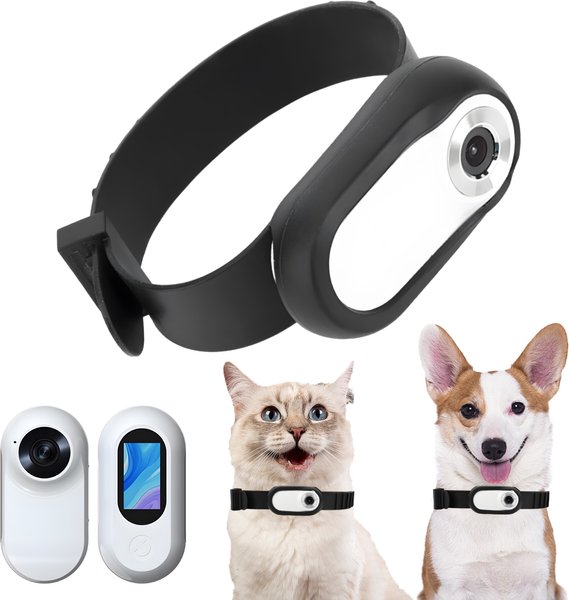
Credit: www.chewy.com
Benefits Of Smart Cameras For Pets
Smart cameras help pet owners watch their pets from anywhere. They offer many features to keep pets safe and happy.
Using smart cameras can improve how you care for your pets every day.
Real-time Monitoring
Smart cameras let you see your pet live through an app. You can check on them anytime and anywhere.
This helps you make sure your pet is safe and comfortable when you are not home.
Two-way Communication
Many smart cameras have built-in microphones and speakers. You can talk to your pet and hear them respond.
This feature helps calm pets who feel lonely or anxious while you are away.
Activity Alerts
Smart cameras send alerts when your pet moves or makes noise. You get notified right on your phone.
These alerts help you quickly check if your pet needs attention or if something unusual happens.
- Movement detection
- Sound detection
- Custom alert settings
Health And Behavior Tracking
Smart cameras can track your pet’s habits and behavior over time. This helps you spot changes early.
Tracking helps you understand your pet’s health and mood better, so you can take action if needed.
Choosing The Right Smart Camera
Smart cameras help you watch your pets when you are away. Choosing the right one makes sure you get good video and easy use.
Think about what features matter most before buying. This guide covers key points to help you decide.
Camera Resolution And Night Vision
Higher camera resolution shows clearer images of your pet. It helps you see small details like your pet’s expression.
Night vision lets you monitor your pet in dark rooms. Look for cameras with good infrared lights for clear night video.
Field Of View And Placement
Field of view means how wide the camera can see. A wide field of view covers more area, so you see more of your pet’s space.
Think about where you will place the camera. Place it where your pet spends most time to watch them easily.
- Wide angle lenses show more room
- Adjustable cameras fit different spots
- Mount cameras high for a full view
Connectivity And Compatibility
Good connectivity means the camera stays connected to your phone or device. Wi-Fi cameras are common and easy to use.
Check if the camera works with your phone’s app or smart home system. This makes it easy to watch and control the camera.
- Wi-Fi connection is most common
- Look for apps compatible with your phone
- Smart home support adds convenience
Battery Life And Power Options
Battery life matters if you want a wireless camera. Longer battery life means less charging and more monitoring time.
Some cameras plug into power, while others use rechargeable batteries. Choose what fits your pet’s space and your habits.
- Plug-in cameras need constant power
- Rechargeable batteries offer flexibility
- Check battery life before buying
Setting Up Your Pet Camera
Using a smart camera helps you watch your pet anytime. Setting it up right is key for good results.
This guide will help you place and connect your camera easily. You will also learn how to get alerts and link to smart devices.
Optimal Camera Positioning
Place the camera where your pet spends most time. Make sure it shows a clear view of the area.
Keep it high enough to avoid damage but low enough to see your pet well.
- Avoid direct sunlight to reduce glare
- Keep the camera stable and secure
- Check for wide angles to cover more space
- Place near pet toys or sleeping spots
Connecting To Wi-fi
Connect your camera to a strong Wi-Fi network. This allows smooth video streaming and quick alerts.
Follow the camera app instructions to enter your Wi-Fi name and password.
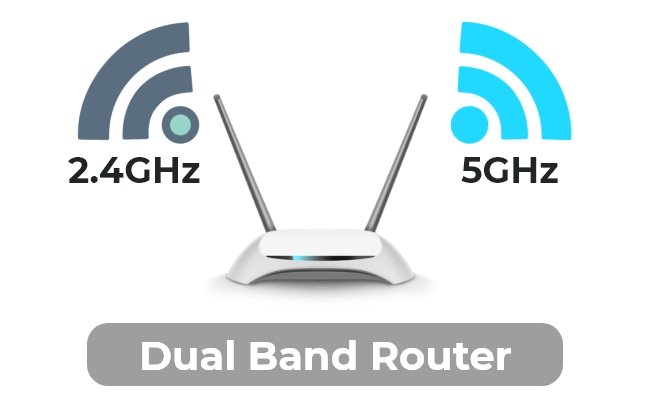
- Use 2.4 GHz Wi-Fi for better range
- Place router close to the camera if possible
- Restart your router if connection fails
- Keep your Wi-Fi password safe
Configuring Alerts And Notifications
Set alerts to know when your pet moves or makes noise. This helps you check on your pet quickly.
Choose what kind of alerts you want, like motion or sound detection.
- Turn on motion alerts for pet movement
- Enable sound alerts for barking or meowing
- Adjust sensitivity to reduce false alarms
- Set quiet hours if you do not want alerts at night
Integrating With Smart Home Devices
Link your pet camera with smart home devices for better control. You can use voice commands or automation.
Check if your camera works with assistants like Alexa or Google Home.
- Use voice to view camera feed on smart displays
- Set routines to turn on camera at certain times
- Connect to smart lights for better night vision
- Use apps to control camera remotely
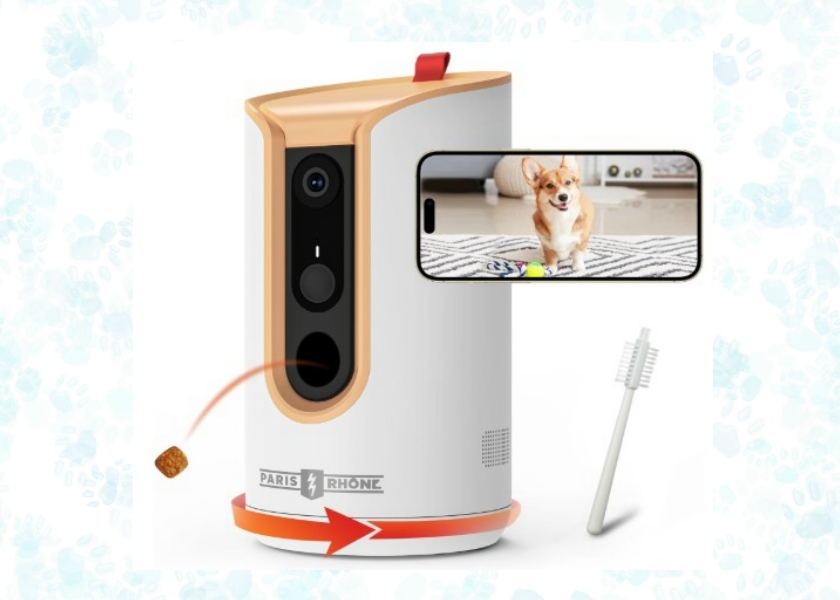
Credit: petsmartify.com
Enhancing Pet Safety With Smart Cameras
Smart cameras help pet owners keep an eye on their pets anytime. They improve safety by offering real-time monitoring and alerts.
Using smart cameras, you can watch your pet’s behavior and react quickly to any problems. These devices add peace of mind for pet parents.
Detecting Unusual Behavior
Smart cameras use motion detection and AI to spot strange actions. This helps spot signs of illness or stress early.
Alerts notify owners if pets act differently, like pacing or hiding. Early detection can prevent bigger health issues.
Preventing Accidents
Smart cameras help watch pets near dangerous areas, such as stairs or pools. Owners get alerts to stop accidents before they happen.
Some cameras have two-way audio to call pets away from harm. This feature helps keep pets safe even when owners are away.
Monitoring Multiple Pets
Smart cameras track multiple pets in one home. Owners can see each pet’s location and behavior separately.
- Identify which pet is active or resting
- Spot conflicts between pets quickly
- Ensure all pets get attention
This helps owners manage their pets better and maintain harmony at home.
Emergency Response Features
Many smart cameras connect to emergency services or contacts. They can send alerts if pets are in danger.
- Automatic alerts for smoke or fire detection
- Notification if pets are unusually inactive
- Ability to call a neighbor or vet quickly
These features help owners act fast and protect their pets in emergencies.
Privacy And Security Considerations
Smart cameras help watch your pets when you are away. They send live video to your phone or computer.
Privacy and security are very important when using these cameras. You must protect your data and keep your network safe.
Securing Your Camera Network
Use strong passwords for your Wi-Fi and camera accounts. Avoid simple or easy-to-guess passwords.
Keep your camera’s firmware updated. Updates fix security problems and improve protection.
- Change default passwords immediately
- Use a separate Wi-Fi network for cameras
- Enable two-factor authentication if available
- Regularly check for software updates
Managing Data And Storage
Your camera saves videos and images. Know where this data is stored and who can access it.
Some cameras store data on the cloud. Others save data locally on a memory card.
- Choose secure cloud services with encryption
- Use local storage if you want full control
- Regularly delete old videos to save space
- Backup important videos safely
Understanding Privacy Settings
Check your camera’s privacy settings. These control who can see your video and data.
Turn off sharing options unless you trust the person. Limit access to only those who need it.
- Review permissions regularly
- Disable public sharing features
- Use guest accounts for visitors
- Set alerts for unusual access
Avoiding Common Security Risks
Smart cameras can be targets for hackers. Avoid weak passwords and unsecured networks.
Beware of phishing scams that ask for your login details. Never share your passwords with others.
- Do not use public Wi-Fi for camera access
- Watch out for suspicious emails or messages
- Use antivirus software on your devices
- Turn off cameras when not in use if possible

Credit: www.amazon.com
Popular Smart Camera Models For Pets
Smart cameras help pet owners watch their pets when away. They offer real-time video and alerts.
Choosing the right camera depends on where you want to use it and the features you need.
Top Cameras For Indoor Use
Indoor pet cameras are designed to fit inside your home. They often have two-way audio and night vision.
Popular models include those with motion detection and treat dispensing features.
- Wyze Cam v3 – affordable, good video quality
- Petcube Bites 2 – treats your pet remotely
- Nest Cam Indoor – clear video, smart alerts
- Furbo Dog Camera – tosses treats, barking alerts
Best Outdoor Pet Cameras
Outdoor cameras must be weatherproof and have strong night vision. They keep pets safe outside.
Look for cameras with wide viewing angles and motion alerts for better monitoring.
- Arlo Pro 4 – weather resistant, clear video
- Ring Stick Up Cam – works with smart home devices
- Blink Outdoor – long battery life, easy setup
- Reolink Argus 3 Pro – solar powered option
Affordable Options
You can find good pet cameras without spending much. Basic models still offer good video quality.
Affordable cameras often have simple features like motion alerts and live streaming.
- Wyze Cam v3 – budget-friendly, full HD
- TP-Link Kasa Spot – easy to use, good video
- YI Home Camera – affordable, two-way audio
- Amcrest 1080p – good for basic monitoring
Premium Features To Consider
Some cameras have extra features that improve pet monitoring. These can be helpful but may cost more.
Look for features like treat tossing, cloud storage, and smart alerts for pet behavior.
- Treat dispenser to reward pets remotely
- Cloud storage for saving video clips
- Two-way audio to talk with your pet
- Smart alerts for barking or unusual movement
- High-definition video and night vision
Tips For Maximizing Camera Use
Smart cameras help you watch your pets when you are away. Using them well keeps your pets safe and happy.
These tips will help you get the most from your pet monitoring cameras every day.
Routine Monitoring Habits
Check the camera feed often to see how your pet is doing. Make it a part of your daily routine.
Set specific times to watch your pet. This helps you notice changes in behavior or health.
- Watch during meal times to see eating habits
- Check when your pet is usually active or resting
- Look for signs of stress or discomfort
Using Camera Insights For Training
Use recorded videos to understand your pet’s habits and training progress. Watch how they respond to commands.
Share clips with trainers or use them to adjust your training methods at home.
- Spot good behavior to reward
- Notice unwanted actions to correct
- Track progress over days or weeks
Combining Cameras With Other Devices
Use cameras with other pet devices like feeders or trackers. This gives a full view of your pet’s needs.
Link devices to control feeding or get alerts about your pet’s activity from one app.
- Smart feeders for timed meals
- Activity trackers to monitor movement
- Automatic doors for safe outdoor time
Maintaining Your Equipment
Keep your camera clean and charged for the best video quality. Regular checks avoid problems.
Update software often to fix bugs and add features. Check the camera lens and connection too.
- Clean the lens weekly
- Charge or replace batteries as needed
- Update the app and camera firmware
- Check Wi-Fi connection stability
Frequently Asked Questions
How Do Smart Cameras Help With Pet Monitoring?
Smart cameras allow real-time video and audio monitoring of pets. They send alerts for unusual activities, ensuring pet safety. Users can interact with pets remotely, reducing anxiety and improving care.
Are Smart Cameras Safe For Pets?
Yes, smart cameras use non-invasive technology and are safe. They do not emit harmful radiation or disrupt pets. Proper placement ensures pets are comfortable and unharmed during monitoring.
Can Smart Cameras Detect Pet Behavior Changes?
Smart cameras with AI can analyze pet behavior and detect changes. They alert owners to unusual activity, such as restlessness or aggression. This helps in early detection of health or emotional issues.
What Features Should I Look For In A Pet Camera?
Look for high-resolution video, two-way audio, motion detection, and night vision. Cloud storage and mobile app access enhance usability. Battery life and ease of installation are also important.
Conclusion
Smart cameras offer peace of mind for pet owners. They provide real-time updates, ensuring pets are safe. Easy to use, these cameras fit seamlessly into daily routines. Whether at work or away, owners stay connected with their pets. Smart cameras help monitor behavior, adding a layer of security.
Affordable options make them accessible for many households. Pet well-being becomes easier to manage with technology. Consider investing in a smart camera for your furry friend. It’s a simple way to enhance care and security at home. Your pet deserves the best, and smart cameras deliver just that.
21 min read