
Imagine walking into your home and the lights automatically turn on, welcoming you without you lifting a finger. Sounds like magic, right?
With geofencing and smart lights, this convenience is at your fingertips. If you want to make your home smarter, save energy, and boost your comfort, understanding how to use geofencing with your smart lights is key. Keep reading, and you’ll discover simple steps to transform your everyday lighting experience into something truly effortless and impressive.
Credit: nestonyx.com
What Is Geofencing
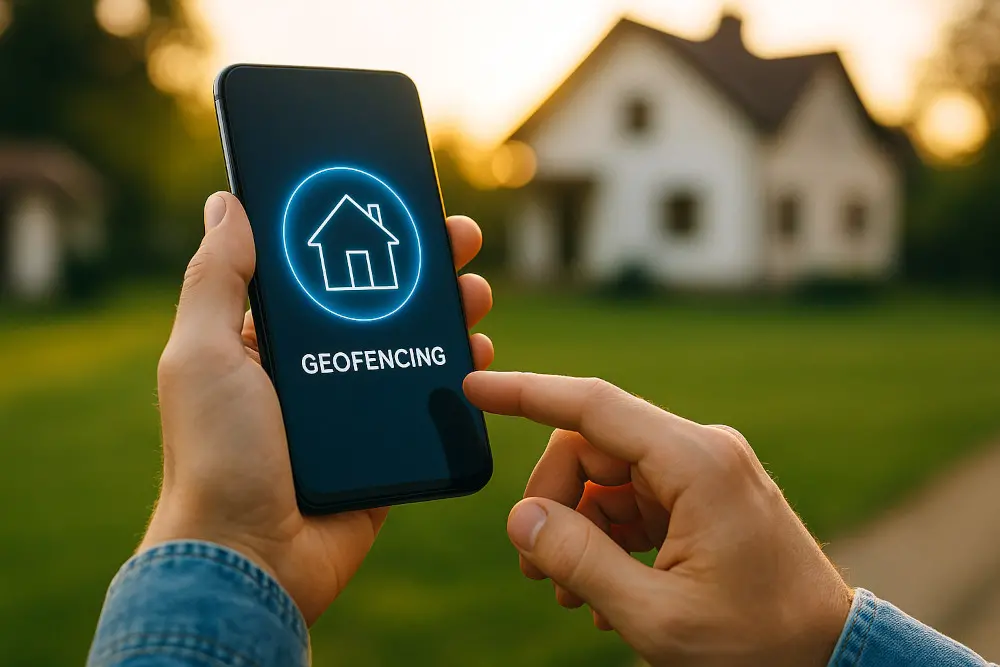
Geofencing is a technology that creates a virtual border around a real place. It uses GPS or other signals to know when a device enters or leaves this area.
Smart devices, like lights, use geofencing to work automatically based on your location.
How Geofencing Works
Geofencing works by setting a boundary on a map through an app or system. When your phone crosses this boundary, it sends a signal.
This signal tells smart lights to turn on or off or change color depending on your settings.
Benefits Of Using Geofencing With Smart Lights
Using geofencing with smart lights adds convenience and saves energy. Lights can turn on when you arrive and turn off when you leave.
- Automatic control without manual switches
- Energy savings by reducing wasted light
- Improved home security with timed lighting
Setting Up Geofencing For Smart Lights
First, install a smart lighting system that supports geofencing. Then, use its app to set your home’s location and boundary size.
Make sure your phone’s location services are on to allow the system to detect when you enter or leave the area.
Benefits Of Geofencing For Smart Lights
Geofencing helps control smart lights using your phone’s location. It turns lights on or off automatically based on where you are.
This feature saves energy and adds convenience to your daily life.
Energy Savings
Geofencing turns off lights when you leave your home. It stops lights from staying on unnecessarily.
This helps lower your electricity bills and reduces wasted energy.
Convenience And Comfort
Lights turn on automatically when you arrive home. You don’t need to find switches in the dark.
This makes your home more comfortable and easy to use every day.
Improved Home Security
Geofencing can turn lights on when you are near your house. It makes it look like someone is home.
This can help deter burglars and increase your home’s safety.
Customizable Lighting Schedules
You can set different actions for lights based on your location. For example, lights can dim when you leave the room.
This makes your lighting fit your lifestyle and needs better.
Hands-free Control
Geofencing works automatically without pressing buttons. Your smart lights react to your phone’s location.
This lets you focus on other tasks while your lights adjust themselves.
Setting Up Geofencing On Smart Lights
Geofencing lets your smart lights turn on or off automatically. It uses your phone’s location to control the lights. This guide shows how to set it up.
You need the right devices and apps. Then you set the area where your lights react. Follow these steps for easy setup.
Choosing Compatible Devices
Not all smart lights support geofencing. Check if your lights work with this feature before buying.
Look for devices that connect with your phone’s location services. Popular brands often list geofencing in their features.
- Smart bulbs with app control
- Smart switches that support location
- Hubs that manage geofencing settings
Installing Required Apps
You need the smart light’s app on your phone. This app controls the lights and geofence settings.
Download the app from your device’s app store. Sign in or create an account to start using it.
- Find the smart light app on Google Play or Apple App Store
- Install and open the app
- Follow setup instructions to connect your lights
Configuring Geofence Boundaries
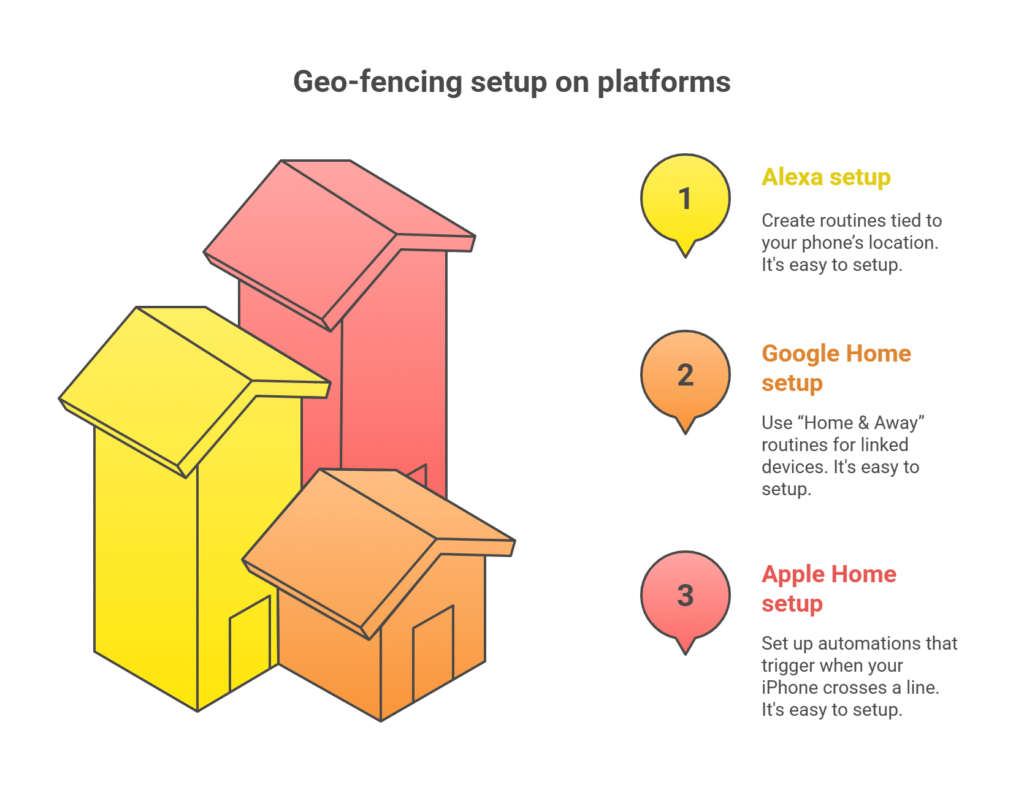
Set the area where your smart lights turn on or off. This is called a geofence boundary.
Use the app to draw or select a zone around your home. The lights will respond when your phone enters or leaves this zone.
- Open the geofencing section in the app
- Choose the radius or shape of the geofence
- Save the settings to activate the boundary

Credit: www.youtube.com
Customizing Smart Light Actions
Geofencing lets your smart lights react to your location. You can make them turn on or off automatically.
Customizing these actions helps save energy and makes your home more comfortable.
Turning Lights On And Off
Set your lights to turn on when you arrive at home. They turn off when you leave.
This makes sure you never walk into a dark room. It also helps lower your electric bill.
- Enable geofencing in your smart light app
- Set your home location for the geofence
- Choose lights to turn on when entering
- Choose lights to turn off when leaving
Adjusting Brightness And Color
Smart lights can change brightness based on your location. They can also change color to match your mood.
You can make lights dim when you get home at night or brighten in the morning.
- Set brightness levels for different times or places
- Pick colors for relaxing or working
- Use geofencing to switch settings automatically
Scheduling And Automation
Combine geofencing with schedules to control lights better. You can automate actions for specific times.
For example, lights can turn off after you leave and stay off during the day.
- Set time-based rules for your lights
- Use geofence triggers for location changes
- Mix schedules and geofencing for smart control
Troubleshooting Geofencing Issues
Geofencing with smart lights can make your home lighting easy and automatic. Sometimes, the system may not work as expected. Troubleshooting helps fix common problems.
This guide covers common issues like location accuracy, app and device connectivity, and battery or permission settings.
Location Accuracy Problems
Geofencing depends on your device’s location. If your phone’s GPS is inaccurate, smart lights may turn on or off at the wrong time.
Nearby buildings, weather, or phone settings can affect GPS accuracy.
- Check if your phone’s location services are on.
- Use high accuracy mode in your phone’s location settings.
- Restart your phone to refresh GPS signals.
- Move to an open area for better GPS reception.
App And Device Connectivity
Your smart lights must connect to your phone and Wi-Fi for geofencing to work. Poor connections cause delays or failures.
Check if the app is updated and your devices are on the same network.
- Make sure your phone and smart lights use the same Wi-Fi network.
- Restart your router and smart light devices.
- Update the smart light app to the latest version.
- Close and reopen the app to refresh connections.
Battery And Permission Settings
Battery saver modes and app permissions affect geofencing. If the app does not have permission, it cannot track your location well.
Low battery or power saving may pause location updates.
- Allow location access for the smart light app all the time.
- Turn off battery saver or add the app to exceptions.
- Check if background app refresh is enabled.
- Charge your phone to avoid low battery issues.
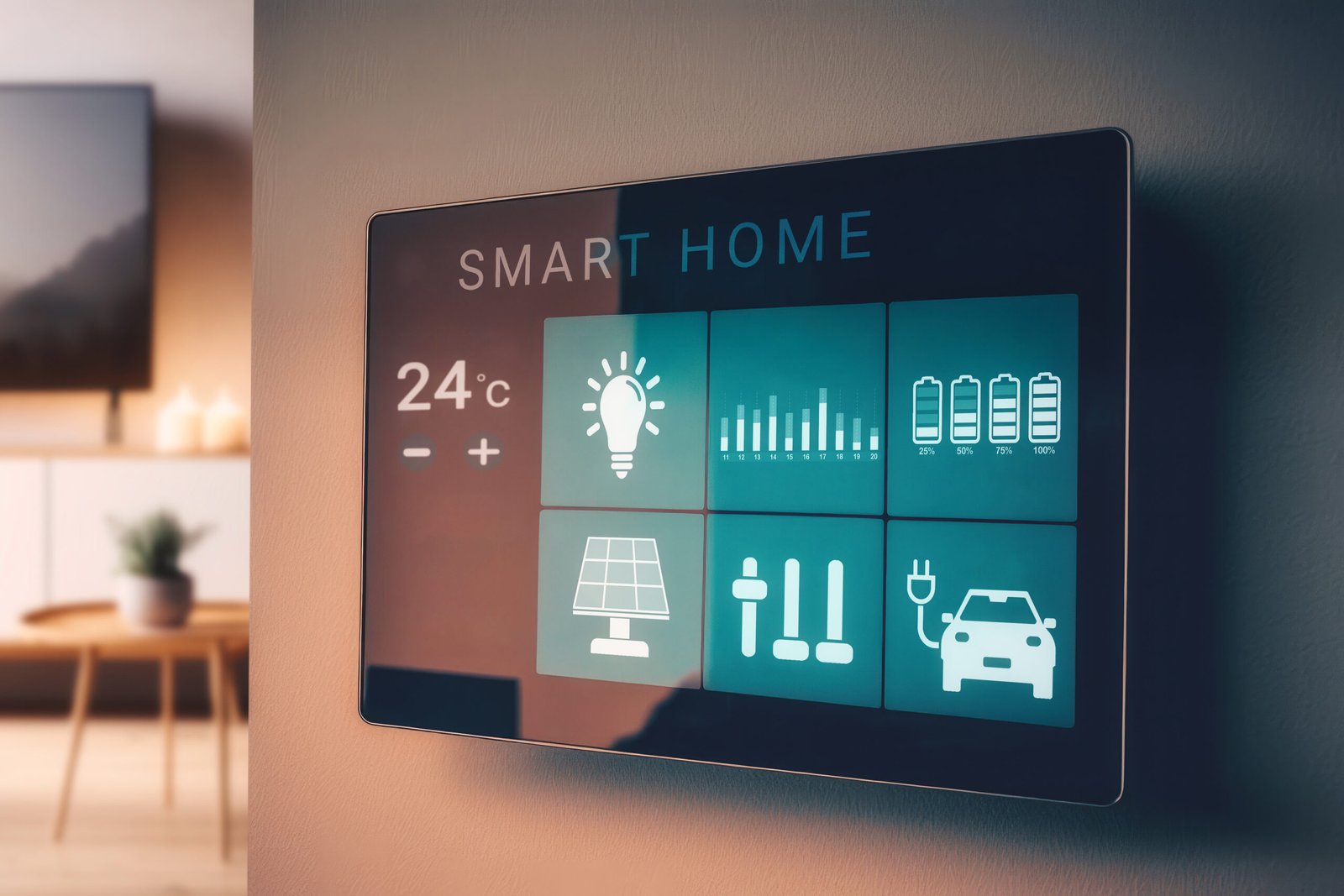
Credit: missionav.ca
Advanced Uses Of Geofencing
Geofencing lets smart lights turn on or off based on your location. It uses GPS to know when you enter or leave an area.
Beyond simple on/off commands, geofencing can do much more with smart lights. You can link it to other devices and create smart routines.
Integrating With Other Smart Devices
Geofencing works well with many smart devices. It can trigger actions on devices like thermostats, locks, and speakers.
For example, when you enter your home area, lights can turn on and the thermostat can adjust to your preferred temperature.
- Turn lights on and unlock doors together
- Start music or other smart speakers
- Activate security cameras when you leave
- Adjust window blinds or smart plugs
Creating Complex Automation Scenarios
Use geofencing to build smart routines with several steps. These can change based on time or who is home.
For example, lights can dim when you arrive at night and turn off after you leave. You can set different actions for weekdays and weekends.
- Set lights to different colors at different times
- Combine geofencing with weather data for smart lighting
- Turn off all lights and devices when everyone leaves
- Create alerts if lights turn on unexpectedly
Frequently Asked Questions
What Is Geofencing In Smart Lighting Systems?
Geofencing creates a virtual boundary using GPS or Bluetooth. It triggers smart lights to turn on or off when you enter or leave the zone. This adds convenience, saves energy, and enhances home security.
How Do Smart Lights Work With Geofencing?
Smart lights connect to your smartphone via an app. When you cross the geofence boundary, the app sends a signal to the lights. This automates lighting based on your location without manual control.
Can Geofencing Save Energy With Smart Lights?
Yes, geofencing ensures lights only operate when needed. Lights turn off automatically when you leave, reducing electricity waste. This helps lower energy bills and contributes to environmental conservation.
Is Geofencing Setup Complicated For Smart Lights?
No, most smart lighting apps offer easy geofencing setup. You just define your home’s boundary on a map within the app. The system handles automation after the initial setup.
Conclusion
Geofencing with smart lights makes home automation easy. It saves energy and adds security. Smart lights adjust based on your location. You don’t have to worry about forgetting to turn off lights. It’s convenient. Set your preferences using an app.
Enjoy customized lighting without hassle. These systems are user-friendly. Perfect for those new to smart technology. Improve your daily routine with smart lighting. Experience the comfort and efficiency it brings. Start exploring smart lights today. Make your home smarter and more efficient.
It’s a small change with big benefits.
17 min read