
Imagine arriving home after a trip and finding your house perfectly lit, just the way you like it. Managing your smart lighting remotely while traveling isn’t just a cool convenience—it’s a way to boost your security, save energy, and keep your home cozy from anywhere.
If you want to control your lights effortlessly, avoid costly mistakes, and enjoy peace of mind on the road, this guide is made for you. Keep reading, and you’ll discover simple, effective tips to master remote lighting control like a pro.
Choosing The Right Smart Lighting System
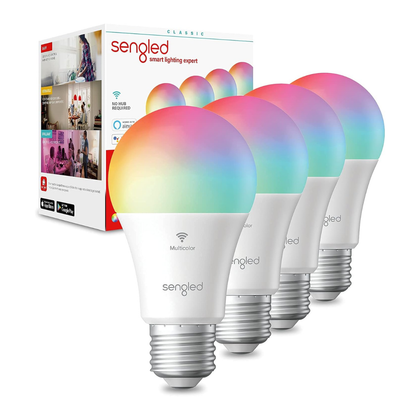
Smart lighting lets you control your lights from anywhere. Choosing the right system is key for easy remote use.
Look for features that fit your needs and make your life simpler while traveling.
Compatibility With Remote Access
Pick a smart lighting system that works with your phone and internet. It should connect to Wi-Fi or a hub you can access remotely.
Check if the system supports popular voice assistants or smart home platforms for easier control.
- Supports iOS and Android apps
- Works with Wi-Fi or smart hubs
- Compatible with Alexa, Google Assistant, or Apple HomeKit
Energy Efficiency Features
Choose smart lights that save energy. Look for LED bulbs that use less power and last longer.
Some systems have scheduling and dimming options to reduce electricity use when you don’t need full brightness.
- LED bulbs with low energy use
- Scheduling to turn lights on and off
- Dimming features to adjust brightness
User-friendly Apps
Choose a system with an easy-to-use app. The app should let you control lights quickly and check their status.
Look for apps with simple menus and clear instructions. This helps you manage lights without confusion while away.
- Simple interface for quick control
- Real-time status updates
- Easy setup and customization
Credit: www.androidpolice.com
Setting Up Remote Control
Managing smart lighting from far away makes your travel easier. You can control lights using your phone or voice.
Setting up remote control needs a few simple steps. These steps help you stay connected to your lights anywhere.
Connecting To Wi-fi
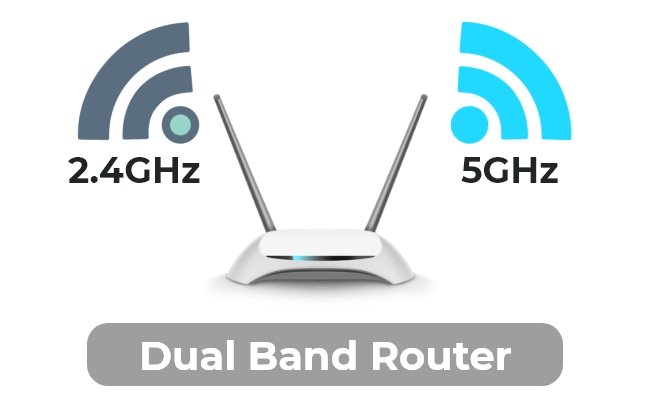
Your smart lights need a Wi-Fi connection to work remotely. Use a strong and stable Wi-Fi network at home.
Follow the light maker’s instructions to link lights to your Wi-Fi. This connection lets you control lights from your phone.
Configuring Mobile App Access
Download the smart light’s mobile app on your phone. This app helps you turn lights on or off from anywhere.
Set up an account in the app and add your smart lights. Make sure the app can access your lights remotely.
- Open the app and create a user account
- Connect the app to your home Wi-Fi network
- Add your smart lights to the app
- Enable remote access in app settings
Enabling Voice Control
Voice control lets you manage lights using smart assistants. You can speak commands to turn lights on or off.
Link your smart lights to voice assistants like Alexa, Google Assistant, or Siri. This setup adds convenience when you travel.
- Open your voice assistant app
- Search for your smart lighting brand
- Link your account with the assistant
- Test voice commands for your lights
Creating Lighting Schedules
Managing smart lighting remotely is easier with schedules. You can set lights to turn on or off automatically.
Lighting schedules help save energy and keep your home safe while you travel.
Automating Daily Routines
Set your lights to follow your daily habits. This keeps your home lit at the right times without manual control.
You can program lights to turn on in the morning and off at bedtime automatically.
- Wake up with soft, warm light
- Turn off lights when leaving home
- Turn on porch lights at dusk
Adjusting For Time Zones
Traveling means changing time zones. Adjust your lighting schedule to match local time.
Smart apps let you update schedules remotely so lights stay on when you want them.
- Set lights to local sunrise and sunset
- Shift schedules automatically with your phone
- Keep routines consistent despite time changes
Custom Scenes For Different Moods
Create lighting scenes to match your mood or activity. Scenes change multiple lights at once.
You can switch from bright work light to soft relaxing light with one tap.
- Reading scene with focused white light
- Movie scene with dimmed warm light
- Party scene with colorful, dynamic lights
Enhancing Security With Smart Lights
Smart lighting can improve home security while you travel. You can control your lights from anywhere using your phone or tablet.
Using smart lights smartly can make your home look occupied. This can stop burglars from targeting your house.
Simulating Presence While Away
Smart lights can turn on and off at different times to mimic your usual activity. This makes it seem like someone is home.
You can set schedules or use apps to control lights remotely. Changing light patterns helps avoid a predictable routine.
- Set lights to turn on at dusk and off late at night
- Use random timers for different rooms
- Control lights from your smartphone app
Integrating With Security Systems
Smart lights work well with home security systems. They can flash or turn on if an alarm is triggered.
This alerts neighbors and scares off intruders. Integration lets you control lights and security from one place.
- Link smart lights to your alarm system
- Set lights to flash during security alerts
- Use apps to monitor lights and alarms together
Using Motion Sensors Remotely
Motion sensors can turn on smart lights when they detect movement. This helps spot visitors or intruders at night.
You can receive alerts on your phone if motion is detected. This lets you check your home anytime.
- Place motion sensors near doors and windows
- Connect sensors with smart lights to activate on movement
- Get remote alerts to monitor activity
Troubleshooting Remote Issues
Managing smart lighting while traveling is convenient but can face issues. Remote problems can stop you from controlling your lights.
Knowing how to fix common problems helps keep your smart lights working smoothly from anywhere.
Common Connectivity Problems
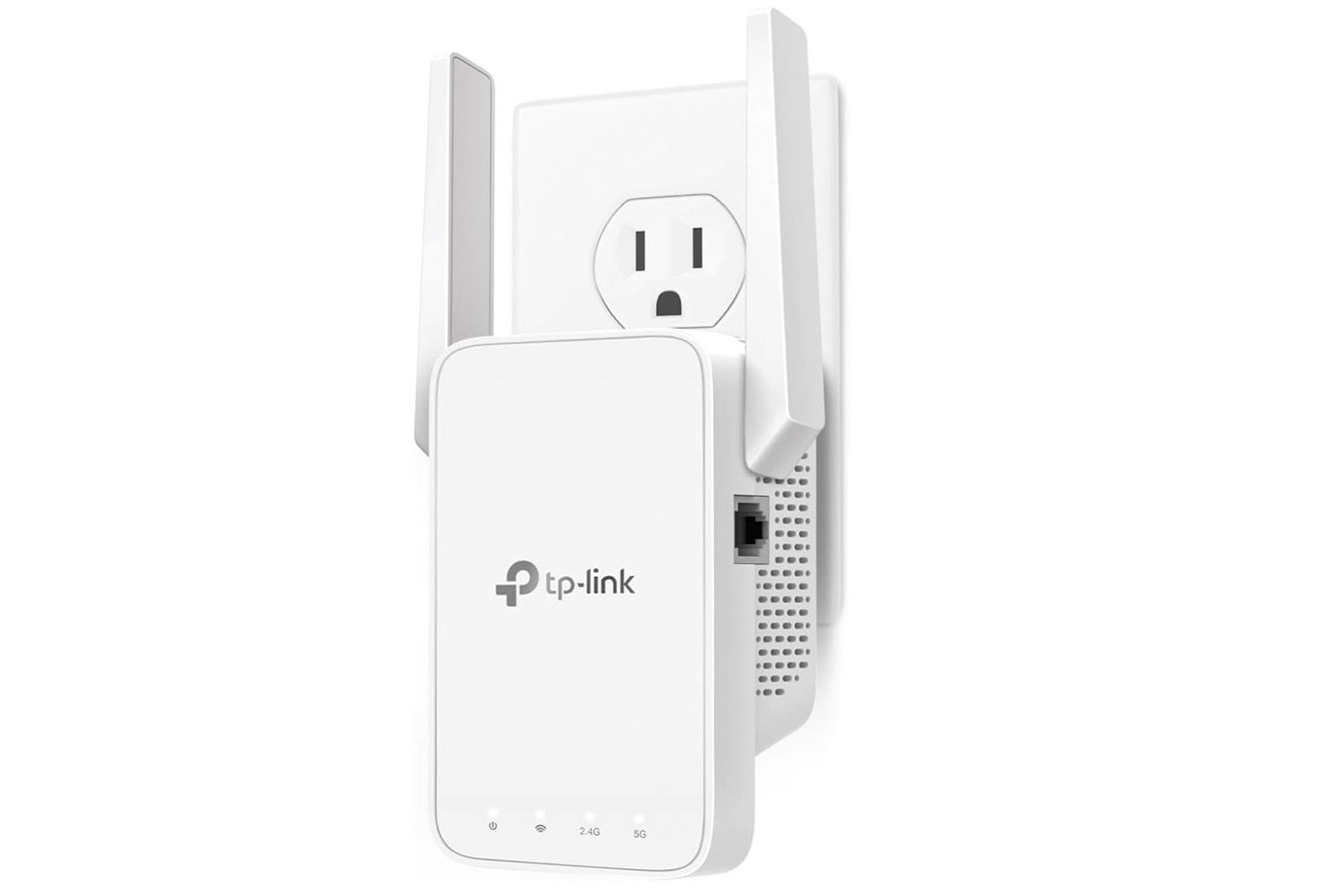
Smart lights need a strong internet connection to work remotely. Weak Wi-Fi or router issues can cause connection loss.
Check if your home Wi-Fi is online and the router works well. Restart the router to fix small glitches.
- Ensure your router is on and connected to the internet
- Move smart lights closer to the Wi-Fi router
- Restart your router and smart lighting hub
- Check for Wi-Fi interference from other devices
- Update firmware for your router and smart lights
App Glitches And Fixes
Smart lighting apps sometimes crash or freeze. This can stop you from changing settings remotely.
Try closing and reopening the app. Clear the app cache or reinstall it if problems continue.
- Close the app and open it again
- Restart your phone or tablet
- Clear the app cache in device settings
- Update the app to the latest version
- Reinstall the app if it keeps crashing
Backup Plans For Power Outages
Power outages can stop smart lights from working remotely. Having backup options helps keep some control.
Use smart bulbs with manual switches or battery backups. Consider installing a UPS for your router and hub.
- Use smart bulbs that can be turned on/off manually
- Install a battery backup for your Wi-Fi router
- Keep a UPS (uninterruptible power supply) for your smart hub
- Set timers or schedules before traveling
- Ask someone to check your lights if needed
Credit: www.androidpolice.com
Optimizing Energy Usage On The Go
Smart lighting lets you control your home lights from anywhere. This helps save energy when you are away. Managing your lights remotely keeps your energy bills low.
Using simple tools, you can check and change your lighting settings. This keeps your home bright only when needed. Let’s see how to manage smart lighting remotely.
Monitoring Consumption Remotely
Smart lighting apps show how much energy your lights use. You can see this data anytime on your phone. Watching consumption helps you find ways to save power.
If you notice high energy use, you can adjust your settings right away. This stops waste and lowers your electricity bill. Monitoring is the first step to energy savings.
Using Dimmer And Color Settings
Dimming lights reduces their brightness and power use. You can choose lower light levels when full brightness is not needed. This saves energy and creates a cozy mood.
Changing light colors can also affect energy use. Some colors use less power than others. Adjust colors to save energy and fit your mood at the same time.
- Dim lights during evening hours
- Pick softer colors like warm white
- Use bright colors only when needed
Scheduling Off Times
You can set your smart lights to turn off at certain times. This stops lights from staying on when nobody is home. Scheduling off times saves energy without needing manual control.
Use the app to create a daily or weekly schedule. Lights will follow your plan even if you forget. This keeps your home energy use low while you travel.
- Set lights off during work or sleep hours
- Adjust schedules for different days
- Combine with motion sensors for extra savings
Ensuring Privacy And Security
Smart lighting helps you control your home lights from far away. It is important to keep your system safe. Privacy and security protect your home and data.
You should follow simple steps to stop hackers and keep control only for trusted users.
Securing Your Smart Lighting Network
Start by protecting your Wi-Fi network. Use a strong password and modern encryption like WPA3. This stops unwanted users from joining your network.
Turn off features you do not use, such as guest networks or remote access, if not needed. This reduces weak points in your system.
- Use a strong and unique Wi-Fi password
- Enable WPA3 or WPA2 encryption
- Disable guest networks when not in use
- Turn off remote access if unnecessary
- Regularly check connected devices
Managing User Permissions
Only give access to people you trust. Create user accounts with limited permissions. Avoid sharing your main login details.
Review user access regularly. Remove any users who no longer need control. This keeps your system safe from unauthorized use.
- Create separate accounts for family or friends
- Set limits on what each user can do
- Do not share your main admin password
- Check and update user permissions often
- Remove users who no longer need access
Updating Firmware Regularly
Smart lights and hubs get updates from the maker. These updates fix security holes and improve safety. Always install updates as soon as they are available.
Set your system to update automatically if possible. If not, check for updates every few weeks to keep your system protected.
- Turn on automatic updates if available
- Check for updates at least once a month
- Follow instructions carefully to install updates
- Do not ignore update notifications
- Updates help stop hackers from entering

Credit: apps.apple.com
Frequently Asked Questions
How Can I Control Smart Lights Remotely While Traveling?
You can control smart lights remotely using a smartphone app connected to Wi-Fi. Set schedules or adjust settings from anywhere with internet access.
What Are The Best Apps For Remote Smart Lighting Control?
Popular apps include Philips Hue, LIFX, and Smart Life. They offer easy control, scheduling, and automation features for smart lighting.
Is Remote Smart Lighting Control Secure During Travel?
Yes, secure apps use encryption and two-factor authentication. Always update your app and router firmware to enhance security when controlling lights remotely.
Can I Automate Smart Lighting While Away On Vacation?
Yes, use built-in scheduling and automation features in your smart lighting app. This simulates occupancy and saves energy while you travel.
Conclusion
Controlling smart lighting remotely while traveling keeps your home secure. It’s simple and efficient. No more worries about dark houses. Use apps to adjust lighting anywhere, anytime. Ensure your devices are connected to a stable network. Regularly update your app for new features.
Smart lighting offers convenience and peace of mind. Save energy and reduce bills. Plan ahead and set schedules for lights. Explore various smart lighting options. Make your travel experience stress-free and your home safe. Enjoy your trips while managing your lighting with ease.
21 min read