
DIY Smart Home Setup: Complete Beginner’s Guide to Start in 2025
Starting a smart home in 2025 doesn’t require hiring an expert or spending thousands of dollars. Thanks to plug-and-play devices, user-friendly apps, and voice assistants like Alexa or Google Assistant, you can create a DIY smart home setup on your own—even if you’re a complete beginner.
In this guide, we’ll walk you through everything you need to build a smart home that’s functional, affordable, and future-proof DIY Smart Home Setup.
What Is a Smart Home?
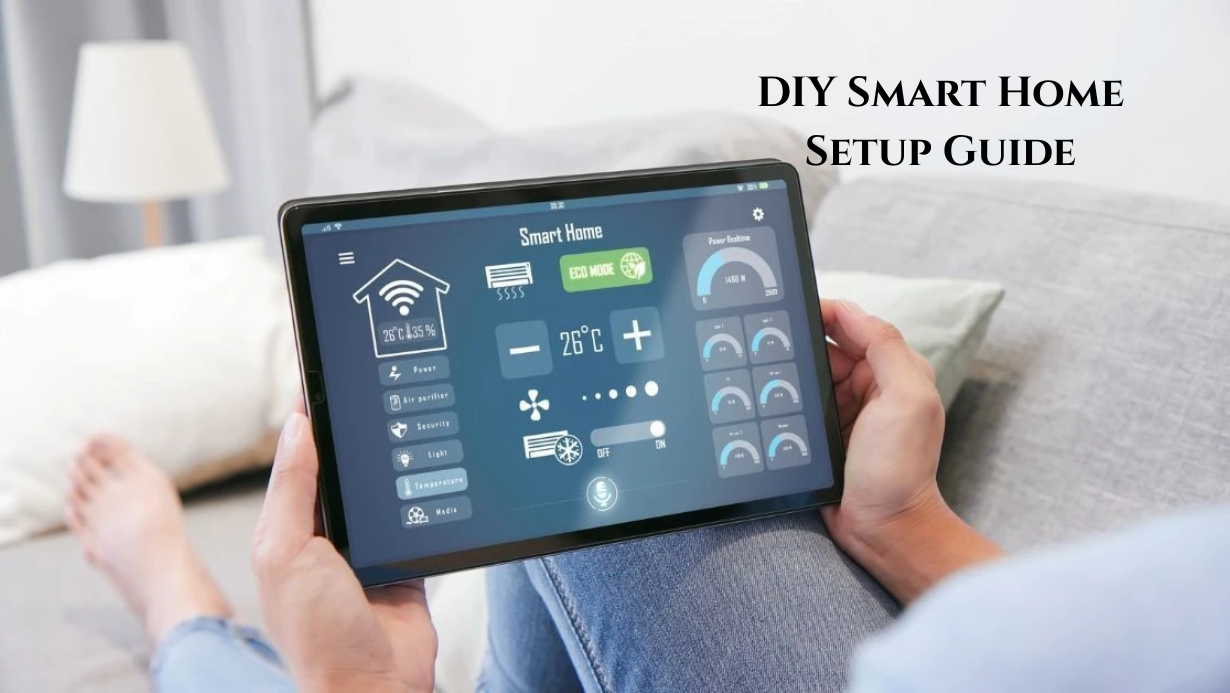
A smart home uses internet-connected devices to control lighting, security, temperature, appliances, and more—either automatically or by voice/app.
Imagine saying, “Turn on the lights,” or getting a phone alert when your front door opens. That’s the power of home automation.
🧰 What You Need to Get Started
🟢 1. Stable Wi-Fi Connection
Smart devices rely on your home network, so make sure:
-
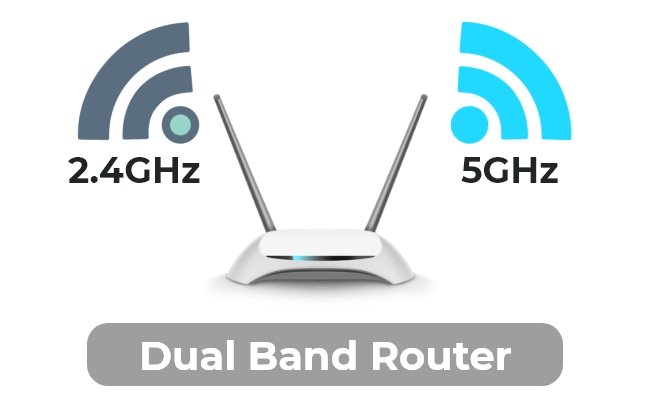
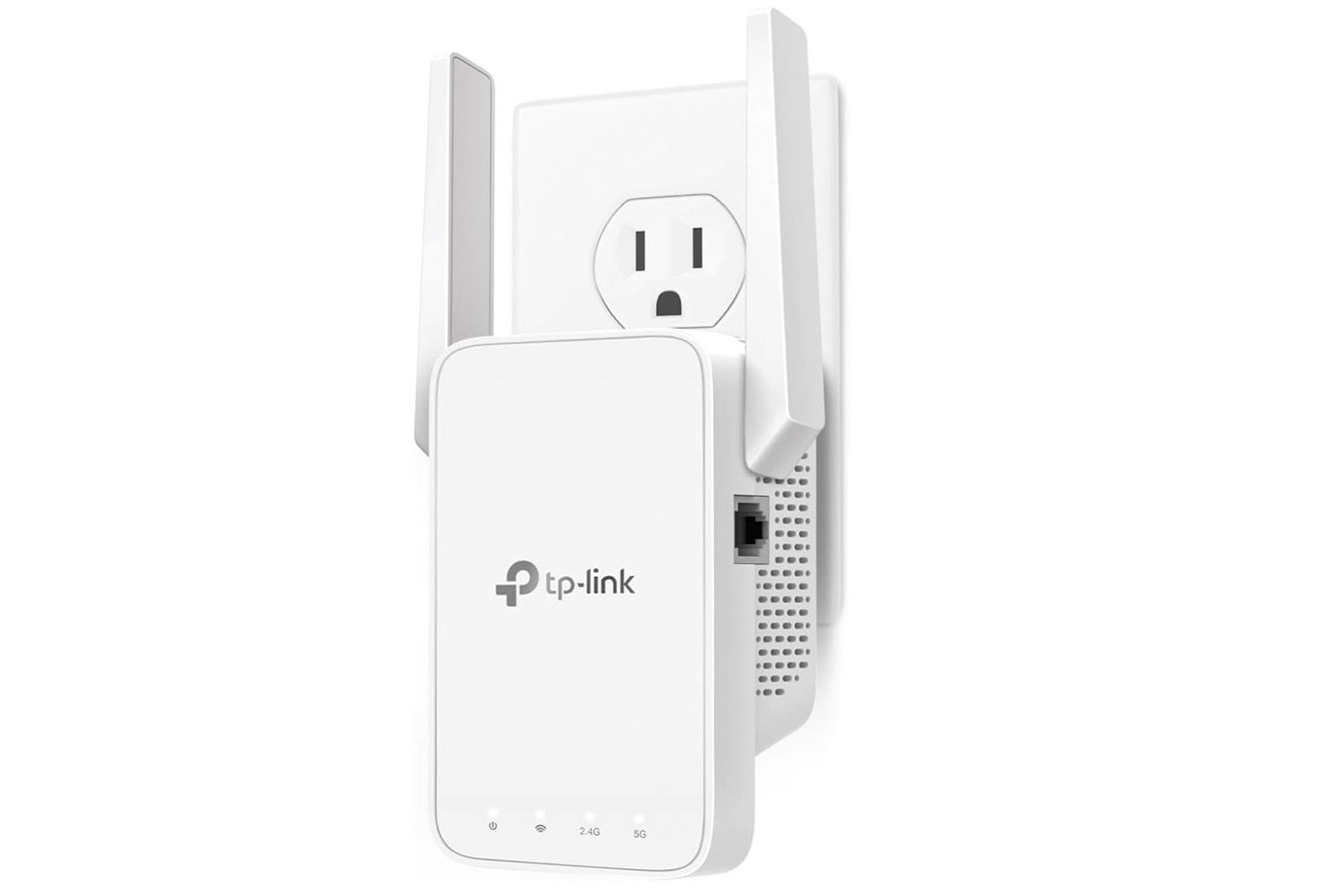
You have a 2.4 GHz Wi-Fi signal
-
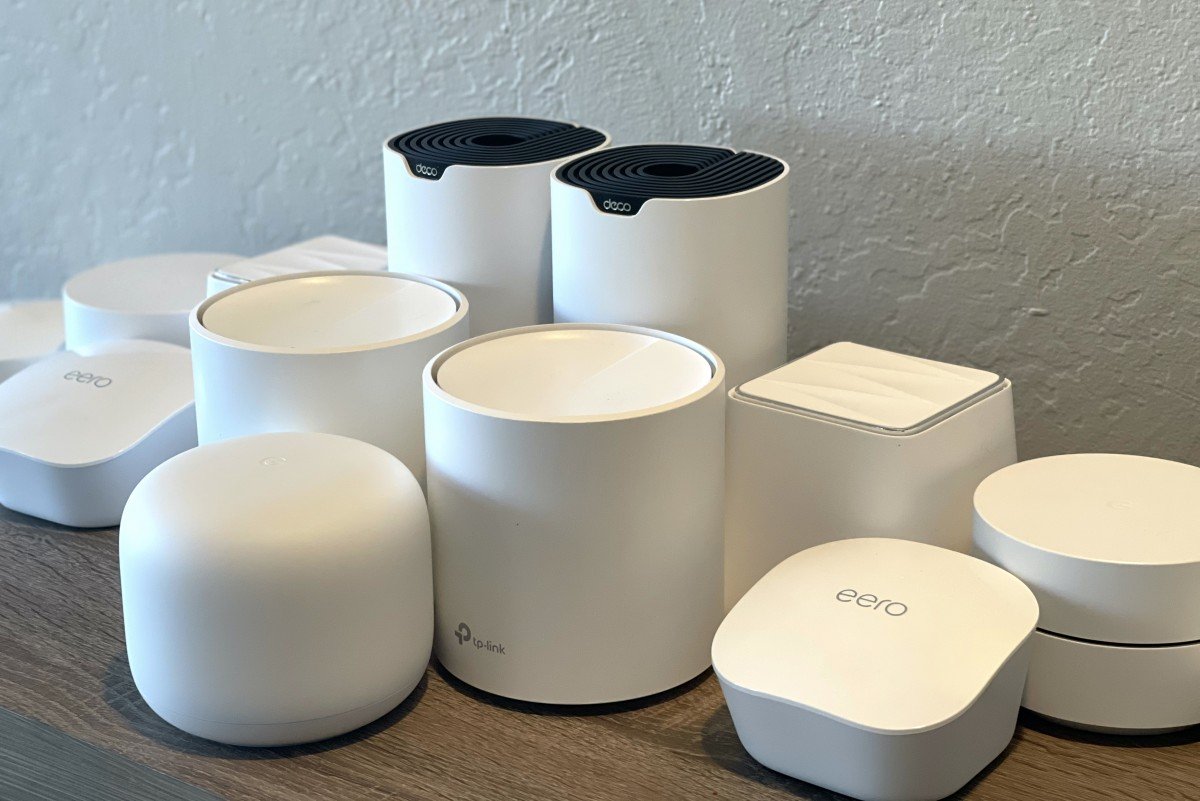
Your router covers all rooms (consider mesh Wi-Fi for larger homes)
🔵 2. Voice Assistant or Smart Display
Choose one platform:
-
Amazon Alexa (Echo Dot, Echo Show)
-
Google Assistant (Nest Mini, Nest Hub)
-
Apple HomeKit (HomePod Mini)
This becomes your command center for voice control and automation. DIY Smart Home Setup
🟡 3. Basic Smart Devices to Start With
You don’t need to buy everything at once. Begin with:
-
Smart plugs (for lamps, coffee makers)
-
Smart bulbs (for rooms, desk lamps)
-
Smart speaker/display (for control and voice)
-
Smart switch or sensor (optional)
Start with 3–4 items and expand gradually.
✅ Best Starter Devices (2025)
| Device Type | Recommended Model | Price (Approx.) |
|---|---|---|
| Smart Plug | TP-Link Kasa / Meross | $15–$25 |
| Smart Bulb | Sengled / Wyze / Govee | $10–$20 |
| Smart Speaker | Echo Dot / Nest Mini | $30–$50 |
| Motion Sensor | Aqara / Sonoff | $15–$25 |
🎯 These are all DIY-friendly and work with major voice assistants.
🔧 Step-by-Step Smart Home Setup Process
Step 1: Set Up Your Voice Assistant
Install your chosen assistant’s app (Amazon Alexa, Google Home, or Apple Home).
Connect your smart speaker to your Wi-Fi and test it by saying:
“What’s the weather today?”
Step 2: Plug in Your First Smart Device
Use a smart plug with a lamp or appliance:
-
Plug the smart plug into the wall
-
Plug the lamp into the smart plug
-
Open the app (e.g., Kasa, Meross) and pair the device
-
Link the plug to your voice assistant app
Say:
“Alexa, turn on the lamp” or “Hey Google, turn off the fan”
Step 3: Replace Bulbs with Smart Ones
Install smart LED bulbs and control brightness or color with your phone or voice.
Try routines like:
“Good Morning” → turns on lights + starts the coffee
Step 4: Group Devices into Rooms
In your app, create “Living Room” or “Bedroom” and assign devices. This makes control easier:
“Turn off bedroom lights”
Step 5: Automate Your First Routine
Examples:
-
“Wake Up” routine: Turn on lights + play news
-
“Bedtime” routine: Turn off everything at once
-
“Away Mode”: Random lights on/off when you’re out DIY Smart Home Setup
💡 Pro Tips for Beginners
-
Stick to one ecosystem (Amazon, Google, or Apple)
-
Label all devices clearly (e.g., “Kitchen Lamp”)
-
Use 2.4GHz Wi-Fi, which most devices require
-
Don’t overload one room—expand gradually
-
Test automations and voice commands regularly
🛡️ What About Security?
Smart devices are safe, but always:
-
Set strong passwords for your Wi-Fi and apps
-
Use two-factor authentication (2FA)
-
Keep device firmware updated
-
Only buy from trusted brands
🧠 What’s Next After Setup?
Once you’re comfortable, explore:
-
Smart thermostats (Ecobee, Nest) DIY Smart Home Setup
-
Smart locks (Yale, Schlage, August)
-
Indoor/outdoor cameras (Blink, Eufy, Wyze)
-
Smart switches and dimmers
-
Matter-compatible devices for future expansion
Final Thoughts: Start Small, Think Smart
A DIY smart home setup in 2025 is easy to start and endlessly expandable. Begin with just a voice assistant and a few plugs or bulbs. Once you understand the basics, you can automate your home one room at a time.
The best part? It’s affordable, fun, and puts you in control of your living space like never before.
7 min read