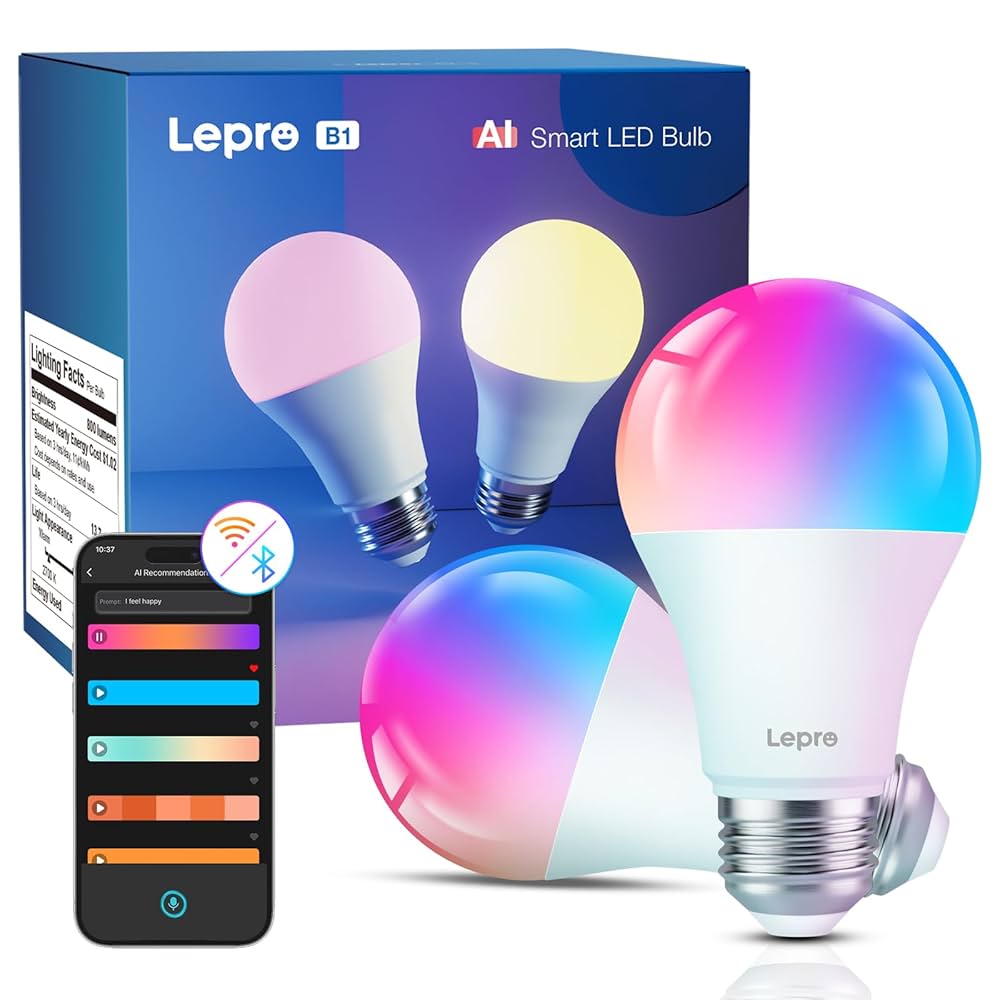

Imagine controlling the brightness of your lights with just a tap on your phone or a simple voice command. Dimmable smart bulbs make this possible, giving you full control over your home’s lighting mood and energy use.
If you’ve ever wished to create the perfect ambiance for a cozy night or brighten up your workspace effortlessly, this guide is for you. You’ll learn how to use these bulbs easily and get the most out of their features.
Keep reading to discover simple tips that will transform your lighting experience and bring convenience right to your fingertips.
Choosing The Right Smart Bulbs
Dimmable smart bulbs let you control brightness and color with ease. Picking the right bulb is key for good lighting.
Consider the types, compatibility, and brightness before buying smart bulbs. This helps you get the best fit for your home.
Types Of Dimmable Smart Bulbs
There are several types of smart bulbs that dim smoothly. Choose one that fits your lighting needs and style.
- LED bulbs: Energy-saving and long-lasting
- Filament bulbs: Classic look with smart features
- Color-changing bulbs: Adjust colors and brightness
- White bulbs: Different shades of white light
Compatibility With Fixtures And Hubs
Check if the smart bulb fits your light fixture socket. Also, confirm if it works with your smart home hub or app.
Some bulbs connect via Wi-Fi, others use Zigbee or Bluetooth. Match the bulb’s connection type with your devices.
- Socket size: E26, E27, GU10, etc.
- Hub support: Amazon Alexa, Google Home, Apple HomeKit
- Connection type: Wi-Fi, Zigbee, Bluetooth
Brightness And Color Options
Brightness is measured in lumens. Pick bulbs with enough brightness for your room size and use.
Color options range from warm white to full RGB colors. Choose based on how much control you want over light color.
| Feature | Explanation |
|---|---|
| Brightness | Look for 800+ lumens for living rooms and kitchens |
| Color Temperature | 2700K-3000K for warm light, 4000K-6500K for cool light |
| Color Range | Single color white or full color spectrum (RGB) |
Setting Up Your Smart Bulbs
Setting up dimmable smart bulbs is easy and quick. You can control light brightness with your phone or voice.
This guide helps you install bulbs safely, connect to Wi-Fi or a hub, and configure the mobile app.
Installing Bulbs Safely
Turn off the power before changing any bulbs. This avoids electric shocks and damage to the bulb.
Use the correct bulb type and size for your fixture. Check the packaging for details.
- Switch off the light power at the circuit or switch
- Remove the old bulb carefully
- Insert the smart bulb firmly into the socket
- Turn the power back on after installation
Connecting To Wi-fi Or Hub
Most smart bulbs need a Wi-Fi connection or a hub to work. This allows you to control them remotely.
Follow these steps to connect your bulbs:
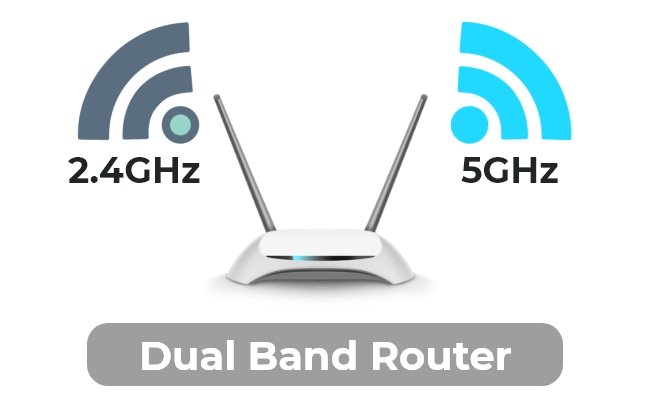
- Make sure your Wi-Fi is 2.4 GHz as many bulbs do not support 5 GHz
- Turn on the bulb and wait for it to blink, showing it is ready to connect
- Open the mobile app and select “Add Device” or “Add Bulb”
- Follow the app instructions to connect the bulb to Wi-Fi or the hub
Configuring The Mobile App
After connection, use the app to control your smart bulbs. Adjust brightness and set schedules.
The app also lets you create rooms, group bulbs, and set scenes for different moods.
- Open the app and find your new bulb in the device list
- Rename bulbs to easily identify them
- Use the dimmer slider to change brightness
- Set timers or schedules for automatic on/off
- Create groups to control multiple bulbs together
Using Dimming Features
Dimmable smart bulbs let you change light brightness easily. This helps you create the right mood in any room.
Using dimming features saves energy and extends bulb life. You can control brightness with apps or voice commands.
Adjusting Brightness Levels
You can set your smart bulb to any brightness you want. Choose bright light for work or soft light for relaxing.
Adjust brightness using your smartphone app or smart home device. Slide controls or use voice to change levels quickly.
- Use 100% brightness for reading or cooking
- Lower brightness for watching TV or sleeping
- Save energy by dimming instead of turning off
Creating Lighting Scenes
Lighting scenes combine brightness and color settings. You can create scenes for different activities or times of day.
Use your app to save scenes and activate them easily. Scenes help you switch moods with one tap or voice command.
- Bright white for work or study
- Warm light for dinner or relaxing
- Dimmed colors for movie nights
Scheduling And Automation
Schedule your smart bulbs to turn on or off at set times. This adds convenience and saves energy automatically.
Automation can adjust brightness based on your daily routine. You can also link bulbs to sensors or other smart devices.
- Set lights to brighten in the morning
- Dim lights before bedtime
- Turn off lights when no one is home

Credit: www.amazon.ca
Enhancing Ambiance With Smart Bulbs
Dimmable smart bulbs let you change light brightness and color easily. They help create the perfect mood in any room.
Using these bulbs, you can set light to match your activity or time of day. This makes your home more comfortable and inviting.
Color Temperature Settings
Smart bulbs offer different color temperatures from warm to cool light. Warm light feels cozy and soft. Cool light is bright and clear.
Adjust color temperature to fit your needs. Use warm light for relaxing or cool light for working.
- Warm white (2700K to 3000K) for calm and comfort
- Neutral white (3500K to 4100K) for everyday use
- Cool white (5000K to 6500K) to stay alert and focused
Syncing With Music And Media
Many smart bulbs can sync with your music or videos. The lights change color and brightness to match the sound or scene.
This makes parties or movie nights more fun and immersive. You can choose different effects to suit your style.
- Lights flash or pulse with the beat
- Colors shift with movie scenes
- Customize effects in the app
Using Voice Controls
You can control smart bulbs using voice assistants like Alexa or Google. Just speak commands to change brightness or color.
This hands-free control is easy and quick. It works well when your hands are busy or you are across the room.
- Turn lights on or off with your voice
- Set brightness to your liking
- Change colors without touching your phone
Troubleshooting Common Issues
Dimmable smart bulbs offer great control of your lighting. Sometimes, they may face issues.
This guide helps you fix common problems with smart bulbs quickly.
Connectivity Problems
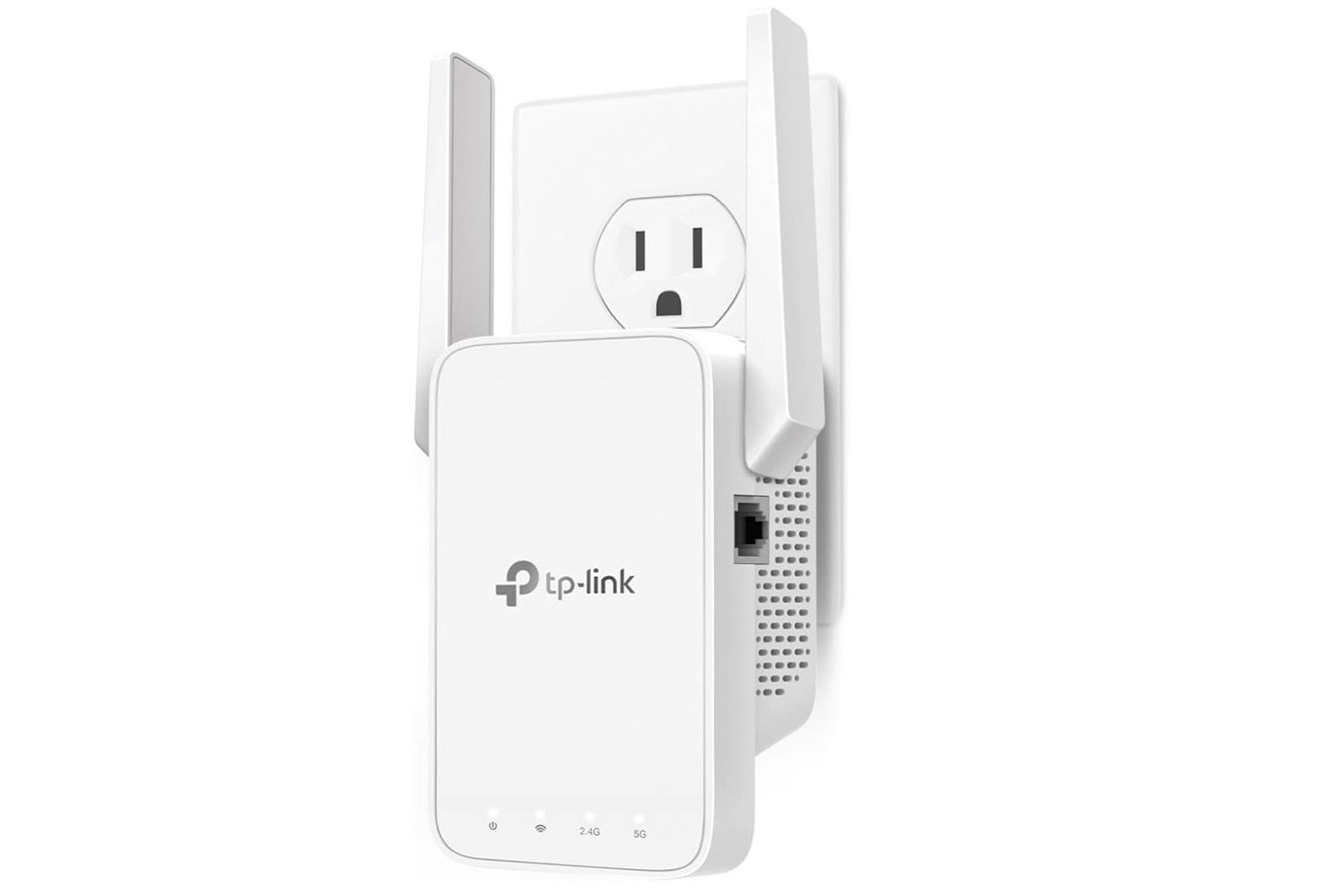
Smart bulbs need a strong connection to your Wi-Fi or hub. Weak signals can cause bulbs to disconnect.
Try moving your router closer or removing obstacles. Restart your router and bulb to refresh the connection.
- Check if the bulb is within Wi-Fi range
- Restart your router and smart bulb
- Ensure your Wi-Fi network is working properly
- Remove interference from other devices
Bulbs Not Dimming Properly
If your smart bulb does not dim smoothly, check if it is compatible with your dimmer switch.
Some bulbs need a special dimmer or no dimmer at all. Also, make sure the bulb is fully connected to the app.
- Verify bulb compatibility with your dimmer switch
- Use the smart bulb app to dim instead of a wall switch
- Reset the bulb and try again
- Replace the bulb if the problem continues
App And Firmware Updates
Keeping your smart bulb app and firmware updated ensures smooth operation. Updates fix bugs and add features.
Check the app store for updates regularly. Also, open the bulb settings in the app to update firmware.
- Update your smart bulb app from the app store
- Check for firmware updates in the app settings
- Restart the app and bulb after updates
- Contact support if updates fail

Credit: www.telegraph.co.uk
Maximizing Energy Efficiency
Dimmable smart bulbs help save energy by adjusting light levels. You use only the light you need.
Smart controls let you reduce power without losing comfort. This guide shows how to save energy with smart bulbs.
Optimizing Brightness For Savings
Set your smart bulbs to the lowest brightness that still works. Lower light levels use less electricity.
Use dimming features during the day or when you do not need full light. This cuts energy use.
- Reduce brightness in empty rooms
- Adjust light based on time of day
- Use presets for common tasks like reading
Using Motion Sensors
Motion sensors turn lights on only when someone is in the room. This prevents wasting energy.
Pair sensors with smart bulbs to automate lighting. Lights turn off after no motion is detected.
- Install sensors in hallways and bathrooms
- Set timers for automatic shutoff
- Use apps to customize sensor settings
Smart Bulbs Vs Traditional Bulbs
Smart bulbs use LED technology and can dim or change colors. Traditional bulbs usually have fixed brightness.
Smart bulbs save more energy because you control light levels and schedules. Traditional bulbs waste energy when left on.
| Feature | Smart Bulbs | Traditional Bulbs |
|---|---|---|
| Energy Use | Low, adjustable brightness | Higher, fixed brightness |
| Control | Remote and automatic | Manual switch only |
| Lifespan | Longer-lasting LEDs | Shorter-lasting bulbs |
| Cost | Higher upfront cost | Lower upfront cost |

Credit: www.flexfireleds.com
Frequently Asked Questions
What Are Dimmable Smart Bulbs?
Dimmable smart bulbs are LED lights with adjustable brightness. They connect to Wi-Fi or Bluetooth, allowing remote control via apps or voice commands. These bulbs save energy and create customizable lighting moods for any room.
How Do I Install A Dimmable Smart Bulb?
Installation is simple: replace your existing bulb with the smart bulb. Connect it to your smartphone app via Wi-Fi or Bluetooth. Follow the app’s instructions to configure settings and integrate with smart home devices.
Can I Use Dimmable Smart Bulbs Without A Hub?
Many dimmable smart bulbs work without a hub, connecting directly to your phone via Wi-Fi or Bluetooth. However, some models may require a hub for advanced features or integration with certain smart home systems.
How Do I Control Brightness On Smart Bulbs?
Use the bulb’s companion app, smart home assistant, or physical dimmer switch (if compatible). Adjust brightness with sliders or voice commands to create the perfect ambiance instantly and conveniently.
Conclusion
Dimmable smart bulbs offer flexibility and convenience. Adjust lighting to suit any mood. Easy to install and control with a smartphone. Save energy by dimming lights when needed. Set schedules and automate your home lighting. Create ambiance for any occasion with just a few taps.
These bulbs blend seamlessly with your daily routine. Enhance your home’s atmosphere effortlessly. Smart bulbs are a modern lighting solution for everyone. Enjoy the comfort and efficiency they bring. Embrace the future of lighting today. Your home deserves this simple upgrade.
Light up your world smartly and efficiently.
17 min read